


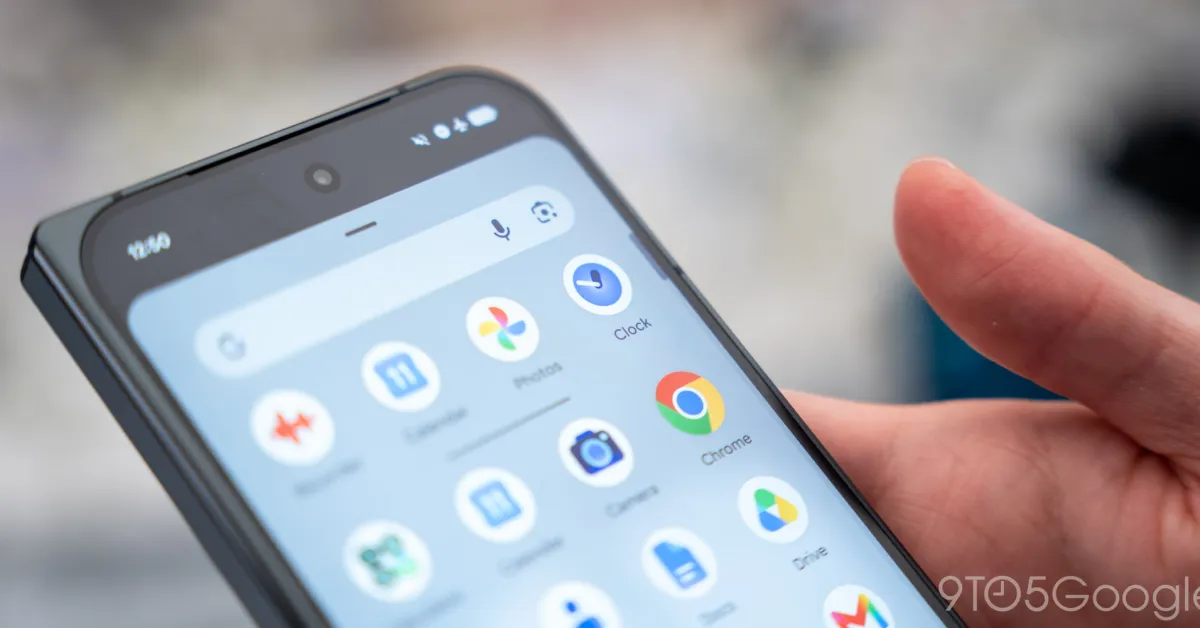
Google is rolling out a redesign of the Timers tab in its Clock app, bringing one-tap presets, a more prominent start button and a grid layout for users running several timers at once.
The update is arriving with Google Clock version 9.1 through a server-side rollout, meaning it may appear on some devices before others. The refreshed interface follows a new app icon and a recent update to Google’s Now Playing app.
Four preset options – one, five, 10 and 15 minutes – now sit within the timer interface. Tapping one starts the countdown immediately, while the time labels have been expanded from “h”, “m” and “s” to “Hours”, “Minutes” and “Seconds”.
The former start icon at the bottom of the screen has been replaced by a large green button labelled “Start”. Google has also removed the circular backgrounds from the number pad, giving the page a flatter appearance and making more functions visible at once.
Users with multiple active timers will see smaller timer cards arranged in a grid rather than a vertical, scrollable list. The display for a single timer remains largely unchanged, although the pause control now sits inside the circular countdown and the reset button is positioned outside it.
Those who have received version 9.1 but cannot yet see the Google Clock Timers redesign can try force-stopping the app through its App info settings before reopening it.
