


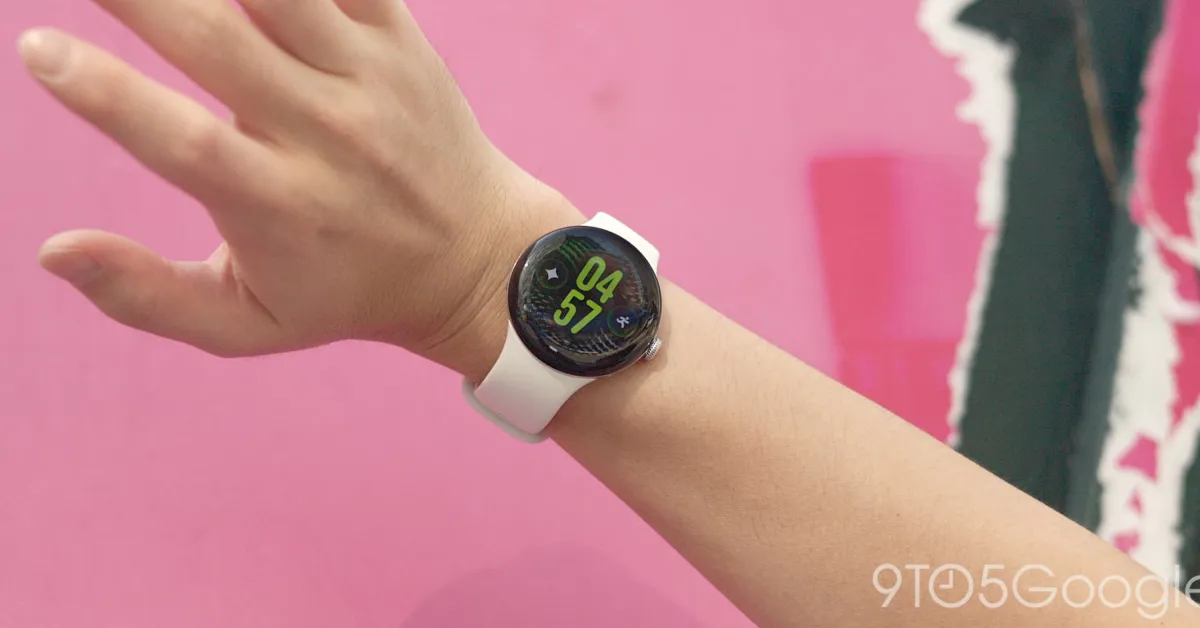
Google has begun rolling out the first Pixel Watch 5 September 2026 update, bringing the newly launched smartwatch a series of Gemini, fitness-tracking and gesture-control improvements.
The update moves the watch from build CD5A.260611.008, which carries the August 5 2026 security patch, to CP3A.260905.002. It remains based on Wear OS 7 and Android 17.
Google’s accompanying changelog is extensive, although much of it details software introduced with the Pixel Watch 5’s initial release rather than a list of entirely new additions.
Pixel Watch 5 update expands Gemini features
Gemini Personalisation is designed to use information from previous conversations and connected Google services, including Gmail, Calendar, Search, YouTube and Photos. This allows users to ask questions such as what is scheduled for the day or to find information contained in an email.
The watch also gains offline Gemini capabilities, allowing it to handle selected actions directly on the device without an internet connection. These include setting timers, starting or stopping workouts and enabling Do Not Disturb.
Google is introducing proactive suggestions for messages, too. The feature can identify a request that requires information from another app – such as a question about a family dinner – and surface the relevant calendar details on the wearer’s wrist.
There are also improvements to the raise-to-talk gesture, intended to make it easier to activate Gemini by lifting the wrist.
More gesture controls and improved route tracking
Google says GPS route maps shown in its Health app should now be more accurate after walking, running, cycling and hiking sessions.
Double-pinch controls have been expanded beyond their existing functions. Depending on the screen, the gesture can open At a Glance or the notification centre from the watch face, scroll through Gemini responses, move between Wallet cards and browse workout metrics.
The same gesture can toggle between Google Maps views and control the Recorder app, while turning the wrist can now act as a universal back command.
Owners can check for the Pixel Watch 5 update by opening Settings, selecting System and then System updates. Google’s factory and over-the-air images had not yet been published as of Tuesday afternoon, meaning the update may not appear immediately on every device.
