


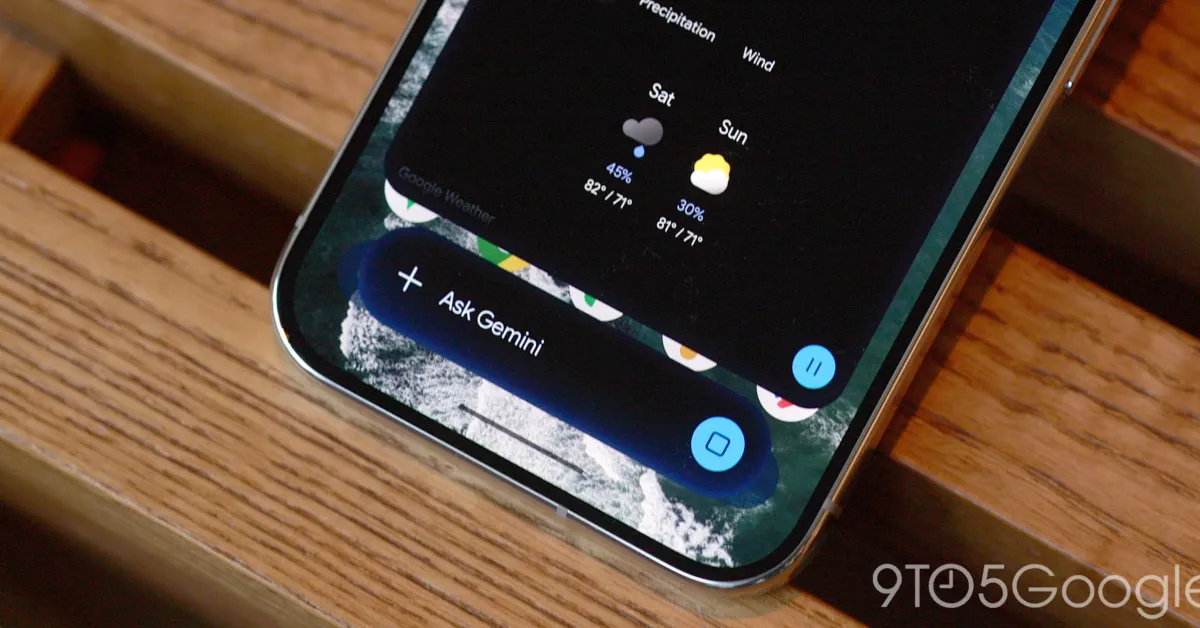
Google is rolling out a new minimise function for Gemini on Android, allowing users to keep an AI conversation available as a floating bubble while switching to other tasks.
The control appears above the Gemini overlay after a prompt has been entered. Once tapped, it reduces the conversation to a small bubble bearing Gemini’s sparkle logo, which can be selected to reopen the overlay.
Google says Gemini remains available during multitasking and that the bubble can be moved or dismissed. However, its position is limited to six preset locations rather than allowing it to be placed freely anywhere on the screen.
Early users have also reported a bug that returns the bubble to the bottom-right corner each time Gemini is minimised, regardless of where it was previously positioned.
The feature can be useful when a response is still loading, allowing someone to leave Gemini and continue using another app without closing the conversation. It also provides a quicker route back to an existing exchange than reopening the Gemini app and navigating to its side panel.
After a response has appeared, tapping outside the Gemini sheet returns it to bubble form. The Android back gesture closes the entire overlay, while dragging the bubble away dismisses it.
Users seeking a more extensive floating-window experience can alternatively use Android 17’s system Bubble feature with the Gemini app. Google’s new Minimise button and Gemini bubble are now rolling out widely on Android devices.
